 Servari
BUILT FOR THE WAY YOU WORK
Work that fits your business.
Not the other way around.
From the first customer call to the final invoice, keep the job moving with workflows, clear rules and useful follow-up.
Start your free trial01 / FITS HOW YOU WORK
A workflow for every kind of job.
Planned installs, urgent calls and warranty work do not follow the same steps. Give each kind of job a workflow that fits, then adjust the stages and rules as your process changes.
- Start with a ready-to-use workflow for each job type.
- Set the stage order and requirements, such as a signature before work starts.
- Keep warranty work in its own flow, linked to the original job.
Custom stages are on Grow and Pro.

02 / FITS HOW YOU WORK
Keep the details with the customer and job.
Give your office and crew the context they need without hunting through separate notes, texts and folders.
- Store customer contacts and the custom fields your process needs.
- Keep job photos and files with the work they belong to.
- Find the right address with autocomplete and geolocation.
ONE JOB RECORD
- Customer details
- Schedule and address
- Files and photos
03 / FITS HOW YOU WORK
Make every customer document feel like yours.
Send clear proposals, work orders, invoices and receipts with your business details. Keep the related messages and documents connected to the job.
- Create PDFs for proposals, work orders, invoices and receipts.
- Use message templates for proposals, invoices, receipts and reminders.
- Customize your branding, email layout, terminology and navigation.
Branding and custom terminology are on Grow and Pro. White-label portal is on Pro.
YOUR CUSTOMER PAPERWORK
- Proposal
- Work order
- Invoice and receipt
04 / GROWS YOUR REVENUE
Keep proposals and upgrades moving.
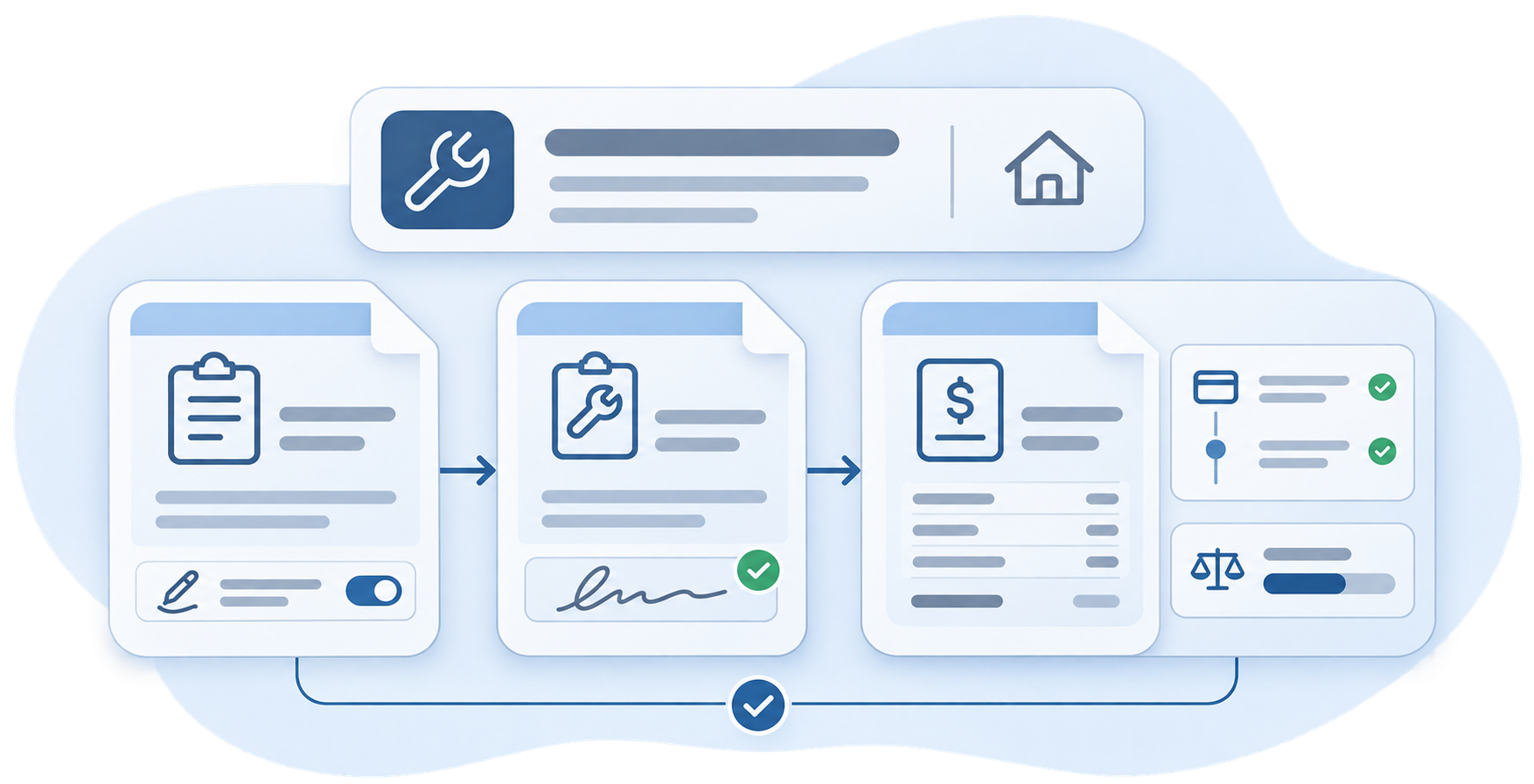
Follow up on open proposals and give customers a clear way to accept a useful service upgrade from their secure job link.
- Send proposal and payment reminders through stage automations.
- Let customers review, sign and accept suggested add-ons from a secure link.
- Move a job forward automatically after a signature or payment is recorded.
Automations and portal add-ons are on Grow and Pro. Proposal reminders use an automation slot.
05 / GROWS YOUR REVENUE
Turn finished work into the next opportunity.
Make it easy to ask for a review when a job is done. Customers get a review link and can attach job photos to their request.
- Set review requests for the workflows where they make sense.
- Give customers a direct link to leave a review.
- Let customers attach job photos with their review.
AFTER THE JOB
- Work completed
- Review requested
- Customer shares photos
06 / GROWS YOUR REVENUE
Know what is owed and what has been handled.
Keep invoice dates and payment records with the job, so the office can see what is due and what still needs attention.
- Set due dates and spot past-due invoices.
- Record payments made by cash, check or through another payment method.
- Keep refunds and write-offs in the payment history.
PAYMENT RECORD
- Invoice due
- Payment recorded
- Balance updated
07 / KEEPS YOU IN CONTROL
Give each person the access they need.
Set roles around the work each person does. Field crews can move a job through the steps you allow without getting broad editing access.
- Choose what each role can see and do.
- Give field roles stage buttons such as Start Work and Work Completed.
- Keep price and order edits limited to the people who need them.
Custom roles are on Grow and Pro.
FIELD ROLE
- See assigned work
- Start work
- Complete the stage
08 / KEEPS YOU IN CONTROL
Protect the prices and approvals you set.
Set service pricing rules and protect signed or paid orders from risky changes. Your team can follow the process without giving away margin or changing approved work by accident.
- Set minimum service prices and quantity-based price tiers.
- Lock selected order fields and set service codes or units.
- Keep signed and paid orders protected from edits that should not happen.
Advanced service pricing is on Grow and Pro.
PRICE GUARDRAILS
- Set service floor
- Apply price tiers
- Protect approved order
09 / KEEPS YOU IN CONTROL
See the work and the decisions behind it.
Keep the schedule, team updates and job history in view. Check what changed, who changed it and what needs attention next.
- See jobs on the board and calendar, with due dates and past-due work in view.
- Keep team messages, mentions and in-app notifications together.
- Use dashboard figures and reports to see how work is going.
Advanced reports are on Grow and Pro.
AT A GLANCE
- Schedule
- Job activity
- Dashboard and reports
10 / BIG-BUSINESS POWER, ONE-TRUCK PRICE
Add people without a per-person bill.
Give the whole operation a shared workspace. Add people in seat packs, adapt the workspace to your language and use Servari in the office or out in the field.
- Use Servari on the web or in the native iOS and Android apps.
- Add seats in packs instead of paying for each person one by one.
- Keep schedules, customers and job records in one workspace.
Mobile app capabilities can differ from the web app. Store listings are not available yet.
ONE SHARED WORKSPACE
- Office
- Crew in the field
- Same business records
See what fits your business.
Start with a trial, or compare plans before you choose.
Start your free trial See pricing →